CANVA RESOURCES & TOOLS
Keep up with the latest updates to Canva
Canva is always working hard to improve how the app works as well as add new features that we love to use.
This is great, right?
But as these changes occur, it may be hard to keep up with where everything is located on the home screen and throughout the app.
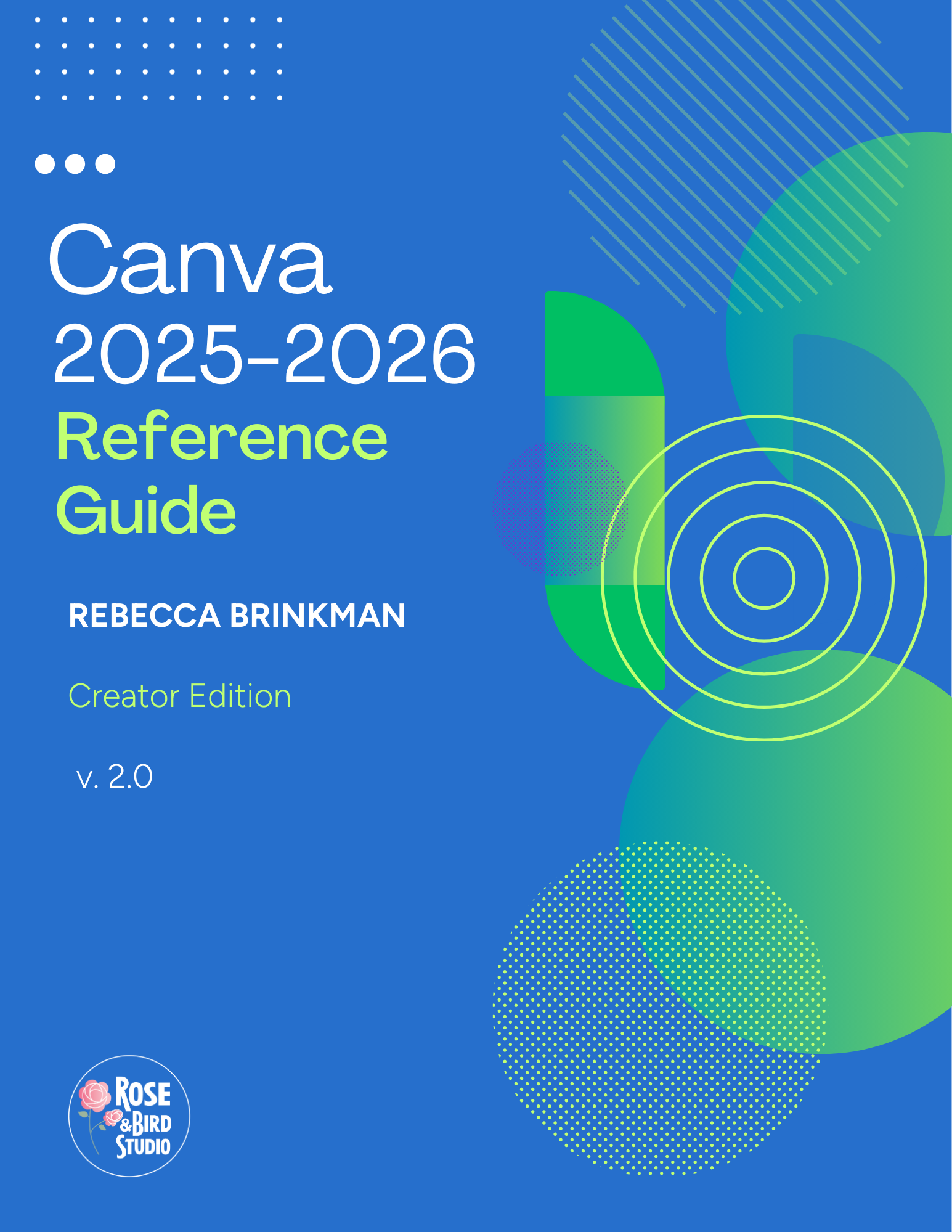
Grab this free reference guide today to help you quickly find and use the tools you need to create your designs or documents.
Version 2.0 is available now with all the updates through January 2026! Canva made numerous updates after their big summer 2025 changes, so grab this guide to help you navigate and discover new features.
Did I mention that it's totally FREE?
Online Graphic Design Classes for Middle & High School Students
2026 Spring Semester online class for homeschool only
This is a semester-long online ourse that introduces students to the basics of using a free Canva account to create graphics for presentations, infographics, posters, social media, and more. This online class is for homeschoolers in grades 7 – 12.
HOW IT WORKS
The goal of this high school graphic design class is to introduce students to the basics of using a free Canva account to create graphics for presentations, infographics, posters, social media, and more. Students will learn how to work with design elements from scratch as well as how to use Canva’s library of templates to save time and get inspiration.
The course will take students through a series of fun projects as they put into practice what they are learning. They will also be encouraged to develop their own creative style as a vital skill to use in the future. When the course is completed, students should have the confidence to use Canva to create visual media for school assignments and more.
This class can be used as an Art credit for high school.
Self-Paced Course for all middle & high school students - not just homeschoolers
Check out my new Self-Paced version of "Graphic Design with Canva" - now available with FundaFunda Academy. This course is for any middle or high school student - not just for homeschool students.
HOW IT WORKS
The class is made up of 16 modules that can be completed at a student's own pace. They will learn the basics of graphic design while building mastery using the Canva design app. This is not an art class, but rather a class to learn how to create graphics for school classes and eventually the workplace using graphic design principles along with online design tools.
The class includes rubrics and a grading guide for all assignments and quizzes so that a parent or teacher can track the student's learning throughout the course. BONUS - when the class is purchased once, it can be used by multiple students who can create their own unique student login. This would be a terrific fine arts class to add to your home learning library.